
Everything IPTV Pano does
Sources
- M3U playlists: paste the playlist link from your provider.
- Xtream Codes: the host and the login your provider gave you.
- Enigma2 receivers: a Dreambox, VU+ or other OpenWebif box on your network, with its recordings and timers.
- One channel list: several sources side by side.
Live TV and guide
- Program guide: now and next, and the whole list moved to any time of day.
- Guide data: included for common channels even when the provider ships none.
- Favourites, groups, search: fast on playlists with thousands of channels.
Watching
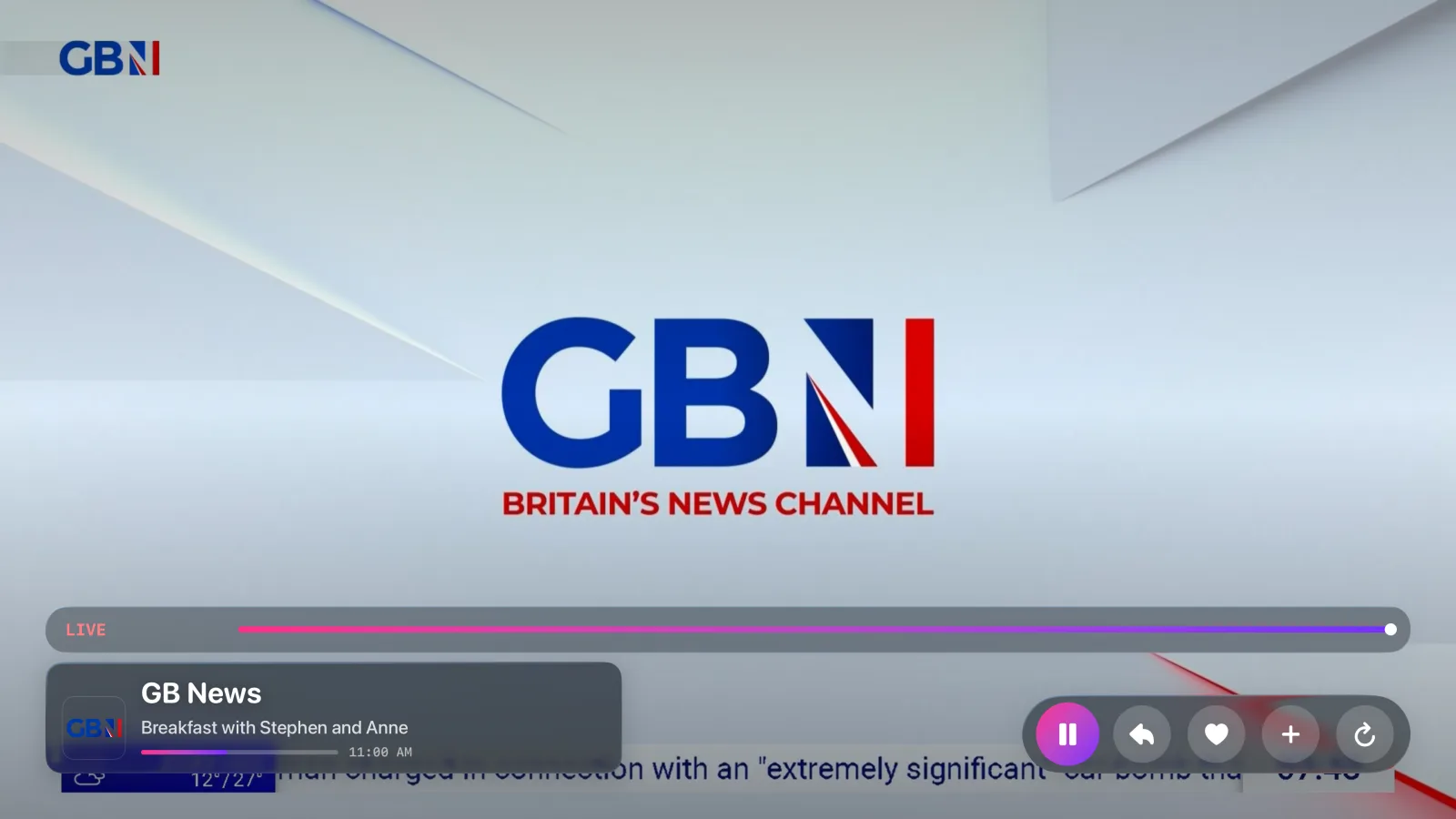
- Zap: pick a channel from the list while the picture keeps playing.
- What follows: the description and the next show, per channel.
- Player engines: several, to switch between per channel.
- Rewind: within the stream's buffer, where the provider carries one.
Devices and sync
- Apple devices: iPhone, iPad, Mac and Apple TV.
- iCloud sync: sources, playlists and favourites on every device.
- Apple TV setup: the iPhone is the remote, and sources copy over from a nearby iPhone, iPad or Mac.
- Privacy: provider logins are encrypted on the device before they leave it.
- Languages: German, English, Spanish, French and Portuguese.
Pano brings the interface; the channels come from your own provider. No account.
Features
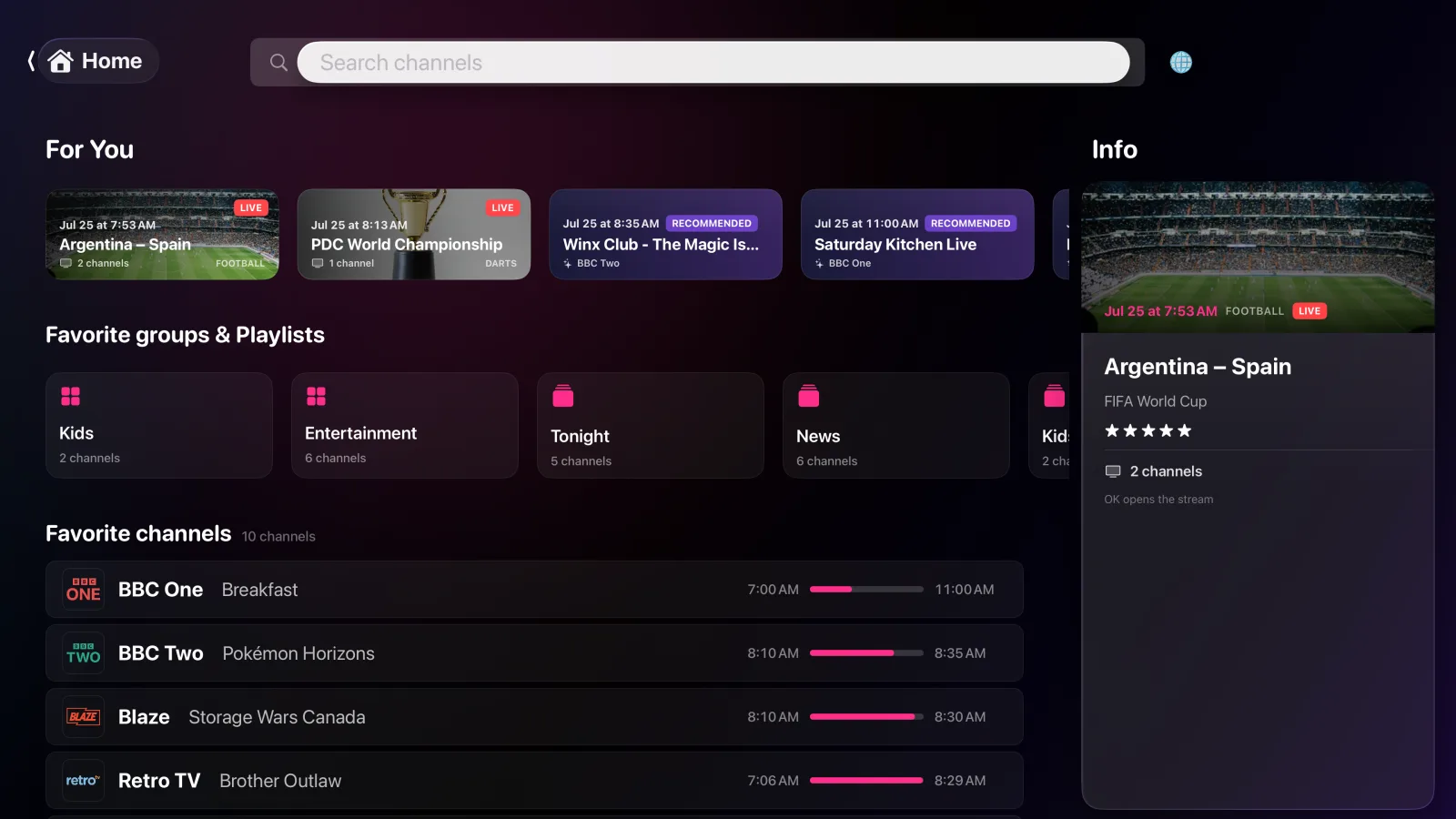
Home
- For You - live sport events matched to the channels you actually have
- Groups and playlists - add your favourites to the sidebar for quick access
- Favourite channels - recently watched, most watched and favourites, one click away
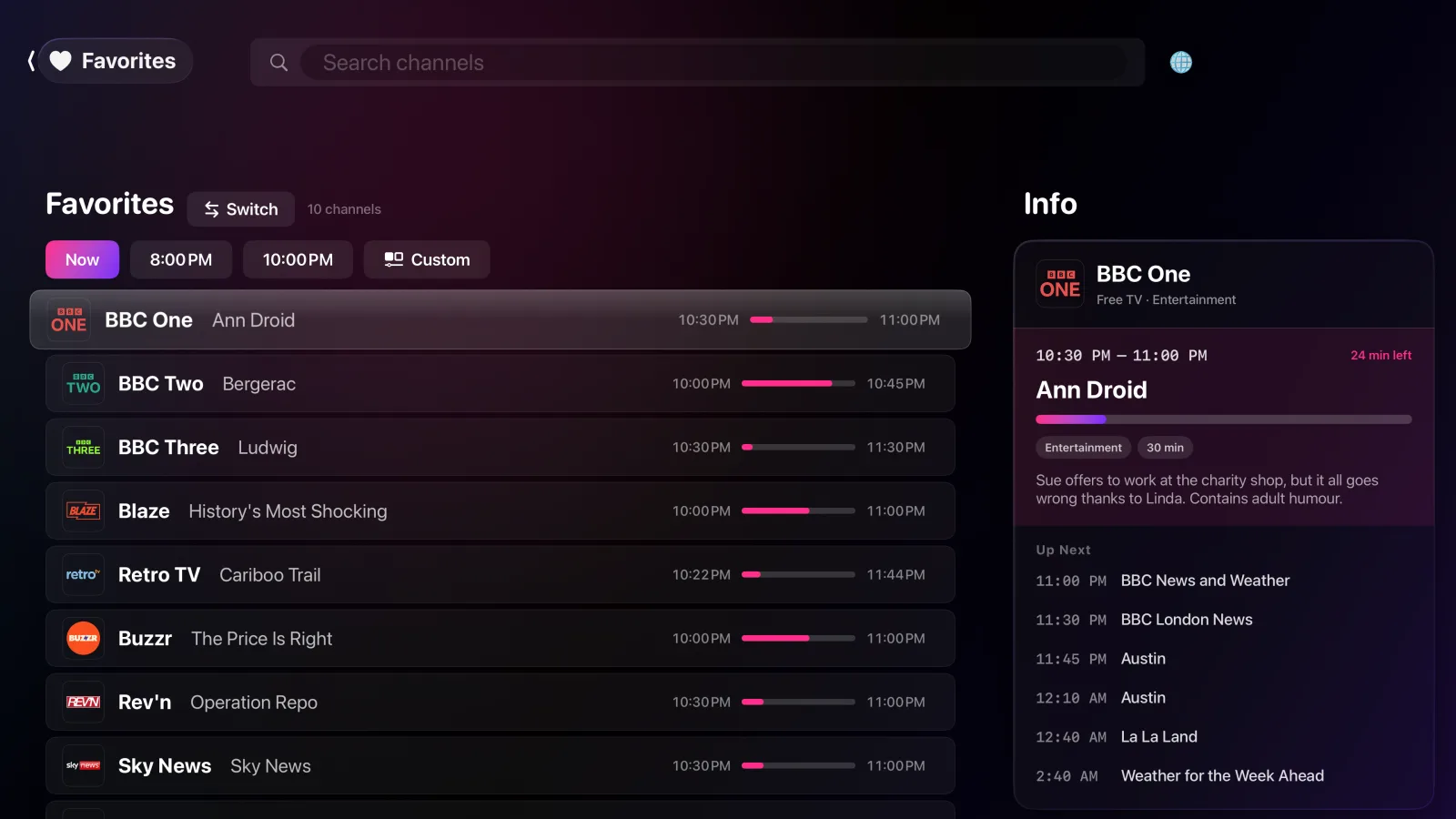
Guide
- Now and later - move the whole list to 8 PM, 10 PM or any time you pick
- Program data included - the guide is filled for common channels
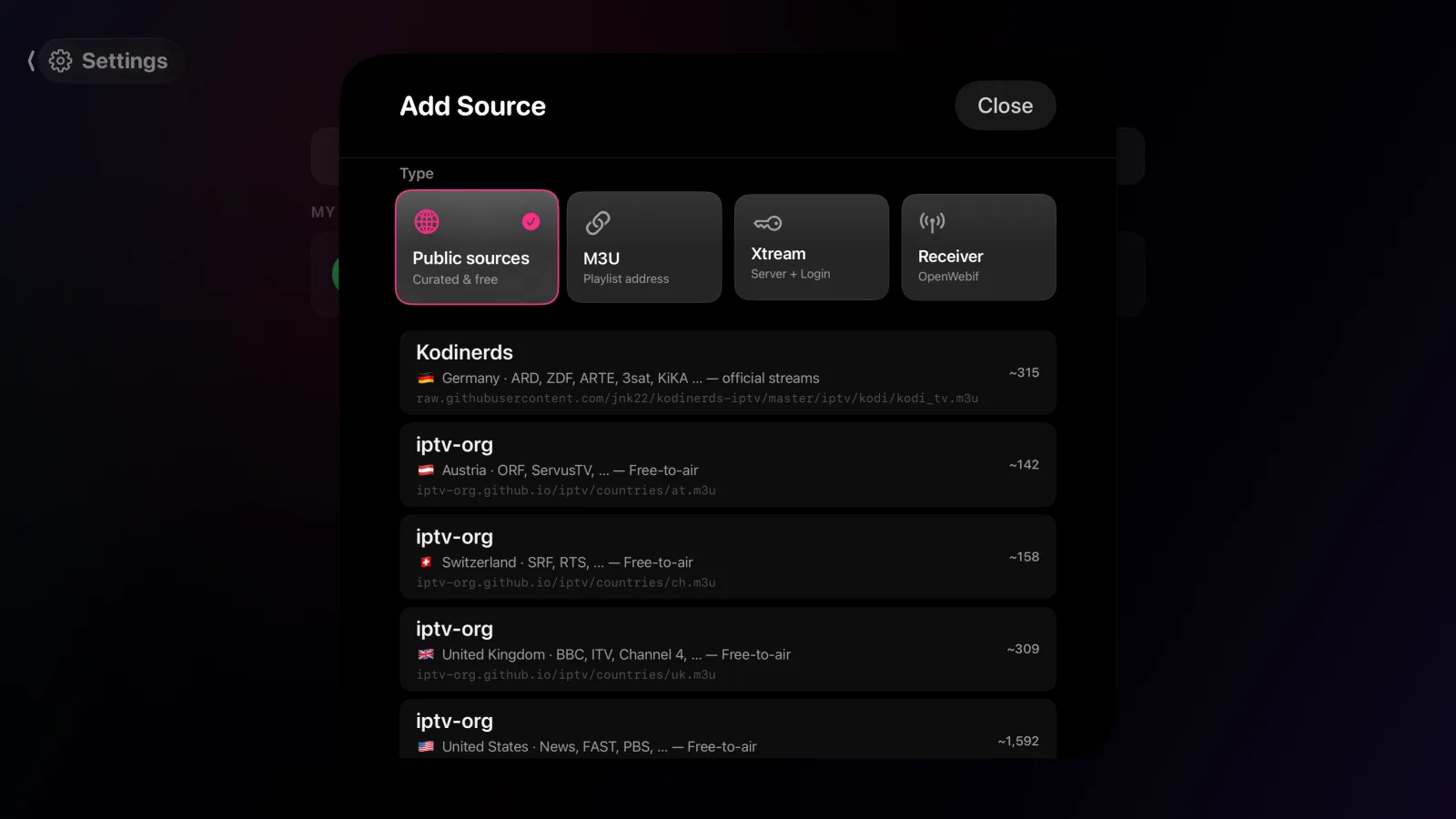
Sources
- M3U playlists and Xtream Codes - paste a playlist link, or enter the host and login your provider gave you
- Enigma2 receivers - a Dreambox, VU+ or other OpenWebif box on your network, including its recordings and timers
- One channel list - sources run side by side, not in separate apps
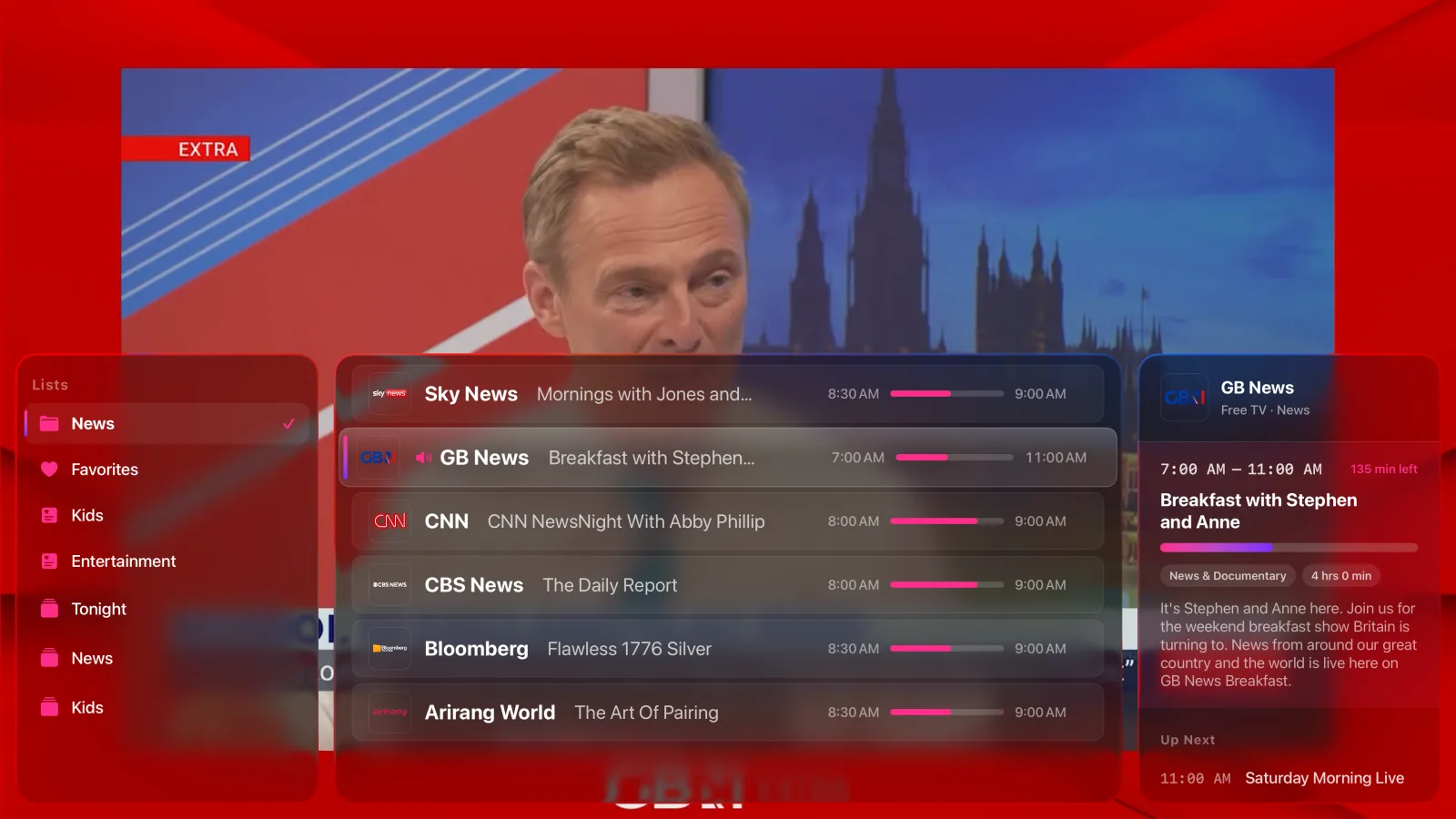
Zapping
- Zap from the list - browse your lists without stopping the stream
- Details in place - description and what follows, per channel
Player
- Several engines - if a channel does not play, switch the engine in the settings and try again
- Rewind - where the stream carries a buffer, you can go back in it
Runs on all your Apple devices.
iPhone
Set up your sources here. It also works as a remote for the Apple TV.
iPad
A sidebar for your lists in landscape.
Mac
The channel list opens over the running picture.
Apple TV
Copy your sources over from your iPhone with one tap, then use the Siri Remote or your iPhone.
Guides
Step-by-step guides with the button names as IPTV Pano shows them. You need your own IPTV provider; the app brings no channels.
Feedback
Spotted a bug, or have an idea?
Report it on GitHub. The tracker is public, so you can see what is already known, follow a fix, and add to someone else's report instead of writing a second one. Email still works for anything you would rather not post publicly.
M3U, Xtream, Enigma2 - what works.
Does IPTV Pano include TV channels?
No. Pano is a player, not a provider - it sells no channels and no subscriptions, and it ships none of its own. You bring an M3U playlist, an Xtream Codes account or an Enigma2 receiver.
Can I download it yet?
Yes - IPTV Pano is on the App Store for iPhone, iPad, Mac and Apple TV.
Which devices does it run on?
iPhone, iPad, Mac and Apple TV - one app, with sources and favourites kept in sync between them.
Can it run Xtream Codes and an M3U playlist at the same time?
Yes. Several sources run side by side in one channel list instead of in separate apps, so an M3U playlist, an Xtream Codes account and an Enigma2 box can all feed the same guide, search and favourites.
Does it work with my Dreambox or VU+?
Yes. Any Enigma2 box running OpenWebif on your local network works as a source - including its recordings and timers.
What if a channel won't play?
Pano ships several player engines. If a stream refuses one, switch to another in the settings and try the channel again - different engines handle awkward streams differently, which is why they're all in there.
Is there a program guide if my provider sends none?
Yes. The guide is filled for common channels from Pano's own data, so a bare playlist with no EPG attached still shows now and next.
Do I have to type my provider login on the Apple TV with a remote?
No. Add the source on your iPhone. With iCloud syncing on, an Apple TV on the same Apple Account gets it by itself; otherwise the Apple TV asks your iPhone for a copy over your Wi-Fi and you allow it there. Credentials never get typed with a remote.
Where do my provider credentials go?
They're encrypted on your device before they leave it and sync only through your own private iCloud, which we have no access to; our servers never receive them. Without iCloud they stay on your device. See the Privacy Policy.
Gibt es IPTV Pano auf Deutsch?
Ja. Die App ist auf Deutsch, Englisch, Spanisch, Französisch und Portugiesisch verfügbar. Diese Seite gibt es ebenfalls auf Deutsch.